In short
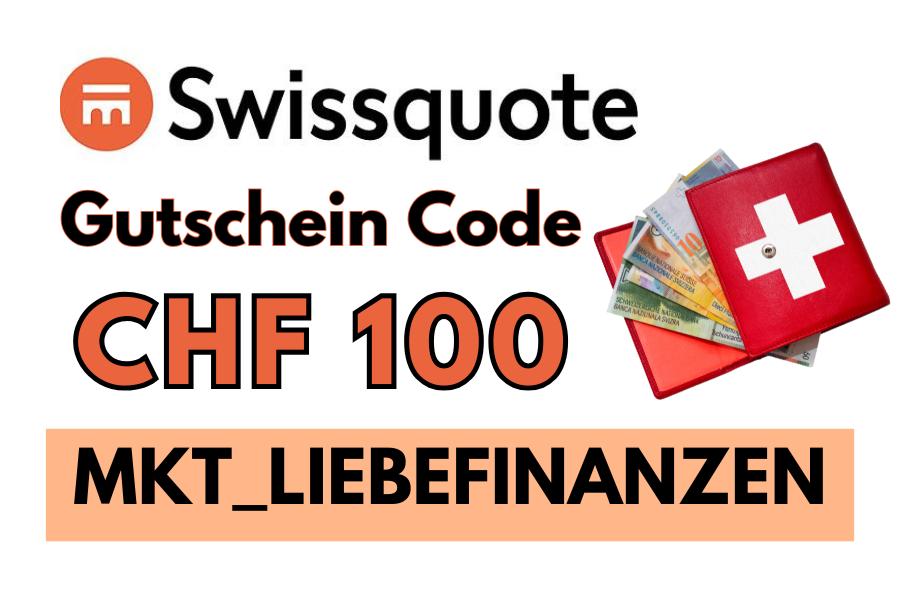
You open your Swissquote account on a computer, log in to the app and pay money into your Swissquote IBAN. You set up the dashboard with widgets for prices, charts, news and your portfolio. Prices, dividends, the ex-dividend date and bid and ask prices are shown directly in the app. With the code MKT_LIEBEFINANZEN you get CHF 100 trading credits when you open your account.
Not sure you’ll find your way around the Swissquote mobile app? It is easy to understand, even for beginners. I hold my big dividend portfolio at Swissquote and explain the most important features step by step.
Getting started step by step
- Sign up on your computer. Open your account on the Swissquote website and set up your profile. Use the code MKT_LIEBEFINANZEN for CHF 100.
- Log in to the app on your phone.
- Pay in money to your Swissquote IBAN. Ideally you have defined your investment strategy before.
- Choose your market at the top: Switzerland for the SMI, Europe (e.g. DAX), USA (Dow Jones) or World.
What is the SMI?
The SMI is the most important Swiss share index. It contains the 20 largest and most liquid Swiss companies listed on the SIX Swiss Exchange, the blue chips, covering approx. 75 to 85% of the Swiss market.
| Period | Companies in the SMI |
|---|---|
| Since 22.09.2026 | ABB, Alcon, Galderma, Geberit, Givaudan, Holcim, Logitech, Lonza, Nestlé, Novartis, Partners Group, Richemont, Roche, Sandoz, Sika, Sonova, Swiss Life, Swiss Re, UBS, Zurich Insurance |
| Until 21.09.2026 | Same, but with Kühne+Nagel and Swisscom instead of Galderma and Sandoz |
The «52 weeks» figure shows the lowest and highest level of the last 52 weeks.
Set up your dashboard
Tap the plus symbol at the top left and choose the widgets you want to see.
| Widget | What for |
|---|---|
| Quotes | Your favourite markets, shares or ETFs |
| Charts | Price history at a glance |
| News | Swissquote news on markets and the economy |
| Shortcuts | Jump to the functions you use often |
| Cryptocurrencies | Crypto prices |
| Price lists | Lists such as «top turnover» or «top volume» |
| Heatmap | Green and red tiles showing how shares are doing today |
| Themes | Investment themes |
| Wealth overview | Your assets at a glance |
Prices and share information
Tap a share to open its detail page. Swipe right to see the different charts; the upper and lower part can be swiped separately. You also see an overall rating, fundamental and technical scores, performance, risk and analyst recommendations. I created a «favourites» watchlist with ETFs and shares I might buy one day. Don’t let lists like «top volume» tempt you into trading, stick to your strategy.
Account and news
Under «Account» you see your trading number, your Swissquote IBAN, the total value of your investments and cash, your performance, today’s change, the amount available to buy and all documents such as purchases, sales and dividends. Under «News» you get short daily updates on shares and markets.
Reading dividends
On the detail page of a share you find the dividend, the ex-dividend date and the payment date. To receive the dividend, you must own the share before the ex-dividend date. The money arrives on the payment date. More in my Swissquote dividend portfolio (German).
Bid and ask explained
The bid is the price buyers are willing to pay, the ask is the price sellers want. When you buy, you pay the ask; when you sell, you receive the bid. The difference is the spread. The blue and red bars show how many shares are on offer on the buy and sell side.
Buying shares and ETFs in the app
- Search for the share or ETF, ideally by ISIN.
- Tap Trade and choose buy.
- Choose the order type: a limit order buys at your price, a market order immediately at the current price.
- Enter the quantity, check the costs and confirm.
Fees: CHF 3 up to CHF 500, CHF 5 up to 1,000, CHF 10 up to 2,000, CHF 29 up to 10,000, plus CHF 0.85 real-time data, and a custody fee from CHF 20 per quarter. Details in my Swissquote review.
Open your Swissquote account and get CHF 100
Swissquote
CHF 100trading credits
- Shares, ETFs and crypto
- Clear app and desktop platform
- Enter the code when you register
Deposit of CHF 1,000 within 30 days of opening. Only for residents of Switzerland. Advertising, affiliate code.
Frequently asked questions
How does the Swissquote app work?
You open your account on a computer, log in to the app and pay money into your Swissquote IBAN. You set up the dashboard with widgets and read prices, dividends and bid and ask prices directly in the app.
Is the Swissquote app available in English?
Yes, the Swissquote app and platform are available in English, German, French and Italian.
What is the difference between bid and ask?
The bid is the price at which buyers want to buy, the ask is the price at which sellers want to sell. When you buy, you pay the ask; when you sell, you get the bid. The gap between them is the spread.
Where do I see dividends in the Swissquote app?
On the detail page of a share you find the dividend, the ex-dividend date and the payment date. You must own the share before the ex-dividend date to receive the dividend.
Is there a Swissquote promo code?
Yes. With MKT_LIEBEFINANZEN you get CHF 100 trading credits if you pay in CHF 1,000 within 30 days. Only for residents of Switzerland.
More guides: buying shares in Switzerland, Swissquote crypto, Yuh vs Swissquote and Interactive Brokers vs Swissquote.
Advertising, affiliate links. Not investment advice.